





Matter Fan Pairing Guide
- MATTER FAN PAIRING GUIDE
- RESOURCES
- warranty registration
- literature
- faQ
Smart-Home Simplicity, Built In
Introducing three collections featuring a built-in Wi-Fi-enabled chip that connects directly to your existing Matter-enabled smart home system.


Matter is safe and secure, supports existing settings and schedules, and requires no additional app or cloud connection. It expands compatibility for more smart home users.
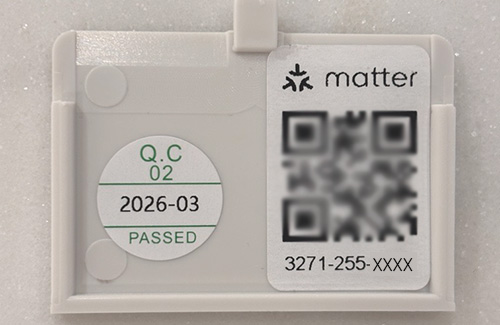
MATTER QR REMOTE COVER
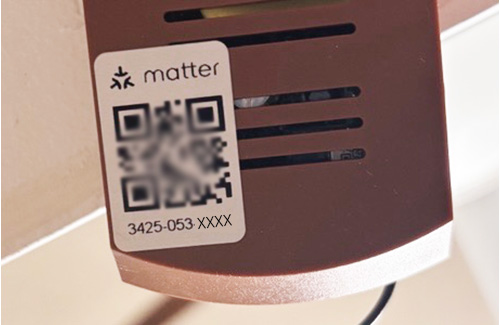
MATTER QR RECEIVER
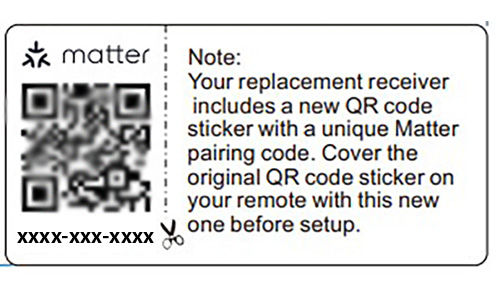
MATTER REPLACEMENT RECEIVER CODE
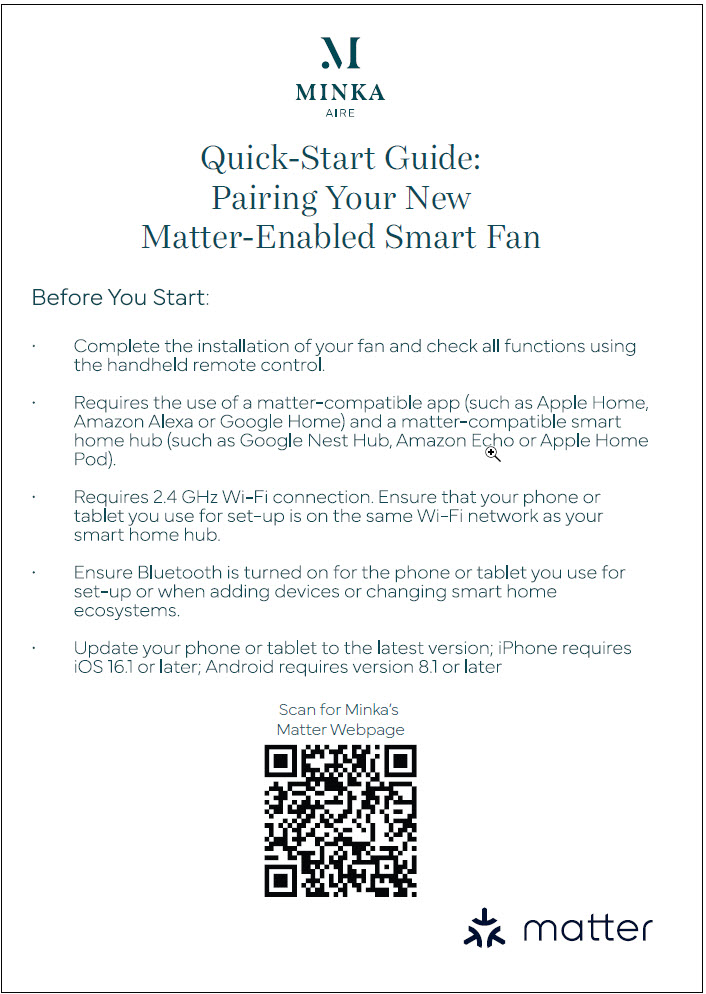
QUICK-START GUIDE
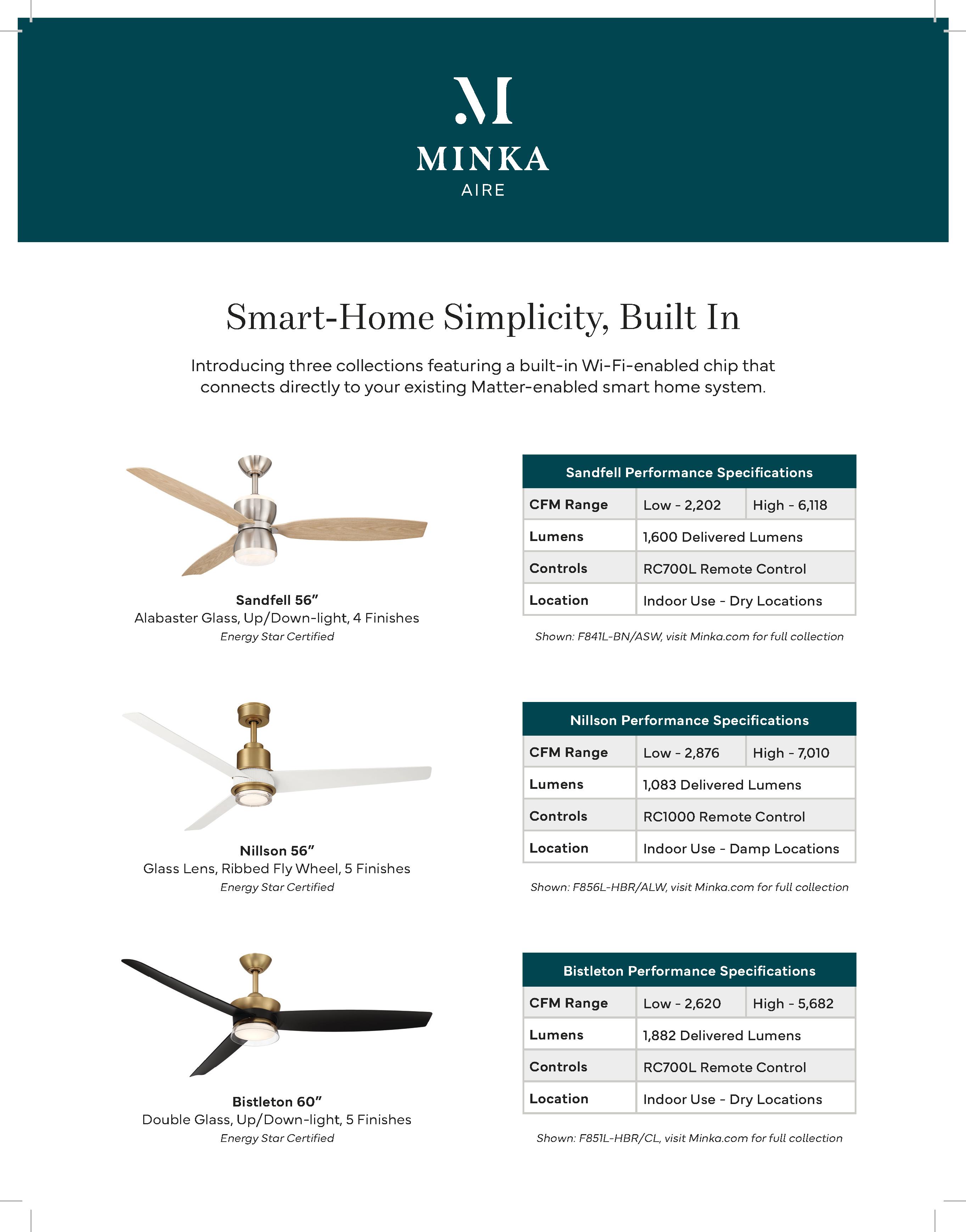
MATTER SALES SHEET